You don't need to know the technical terms or decide in advance whether you need a website, an app, or a custom system. Just tell us about your idea, your needs, and the challenges your business faces. We'll look into the problem, explain the options in plain language, and build your product step by step, with a clear plan and timeline.
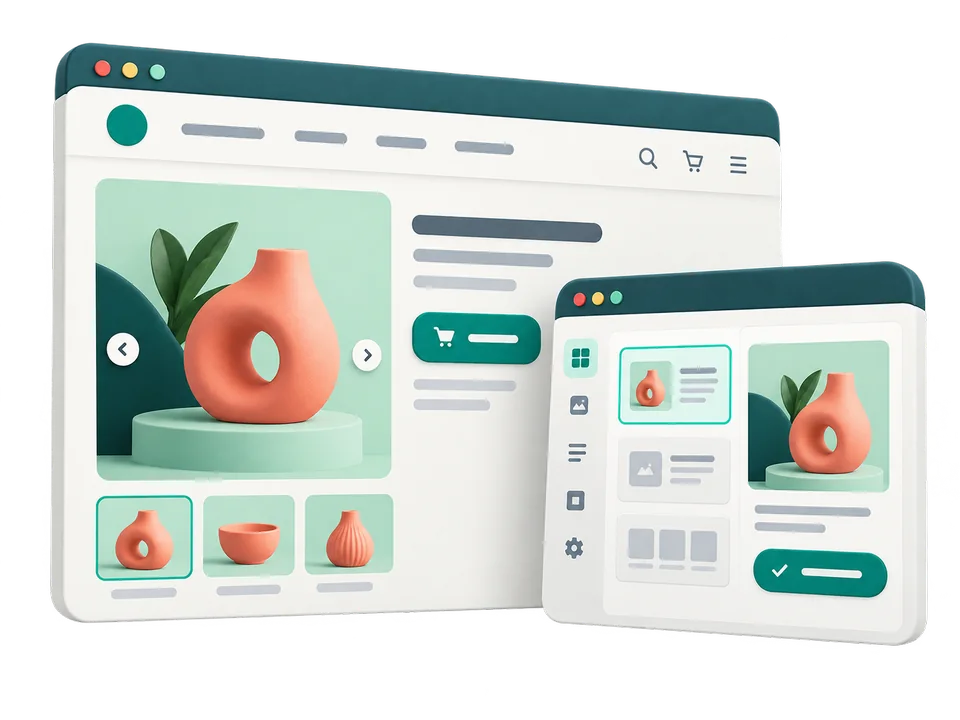
A place to introduce your business and connect with your customers
From presenting your services to selling online and taking orders, we build your website around what you need it to do. We also design the admin panel so you can update text or prices without waiting for a developer.
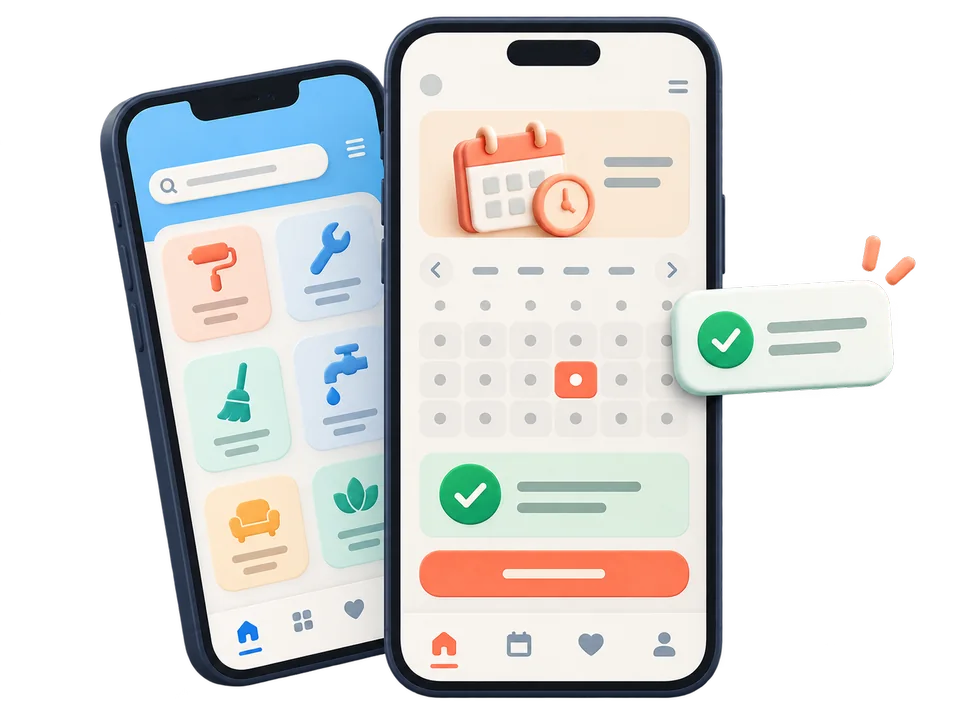
Whether it's for bookings, shopping, or everyday services, we build an app that's easy to use. Before development begins, we help you choose between Android, iOS, and a cross-platform approach.
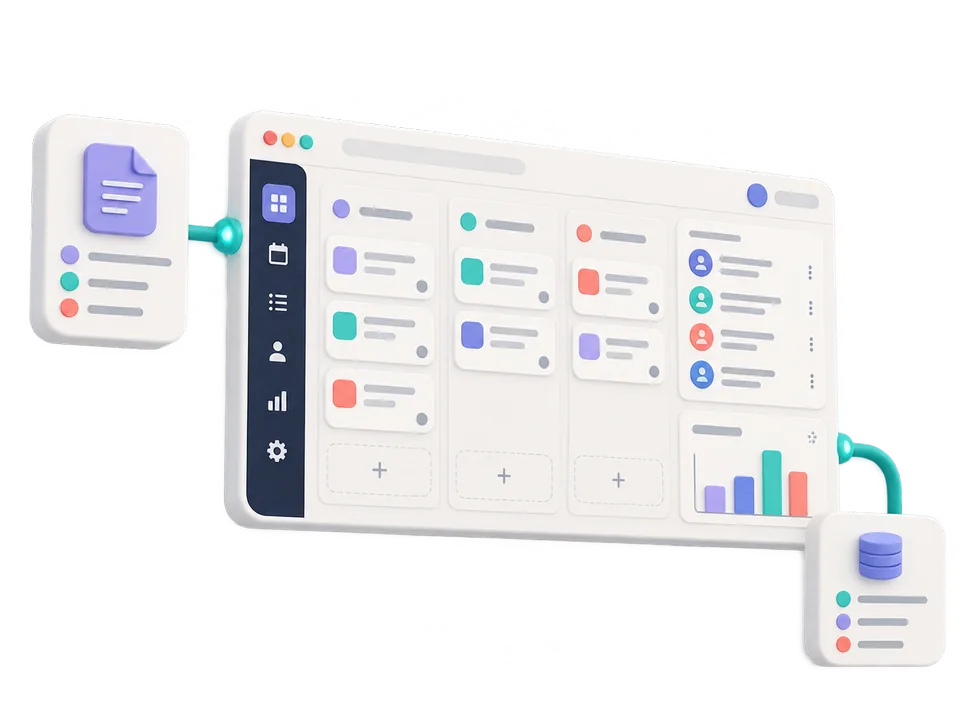
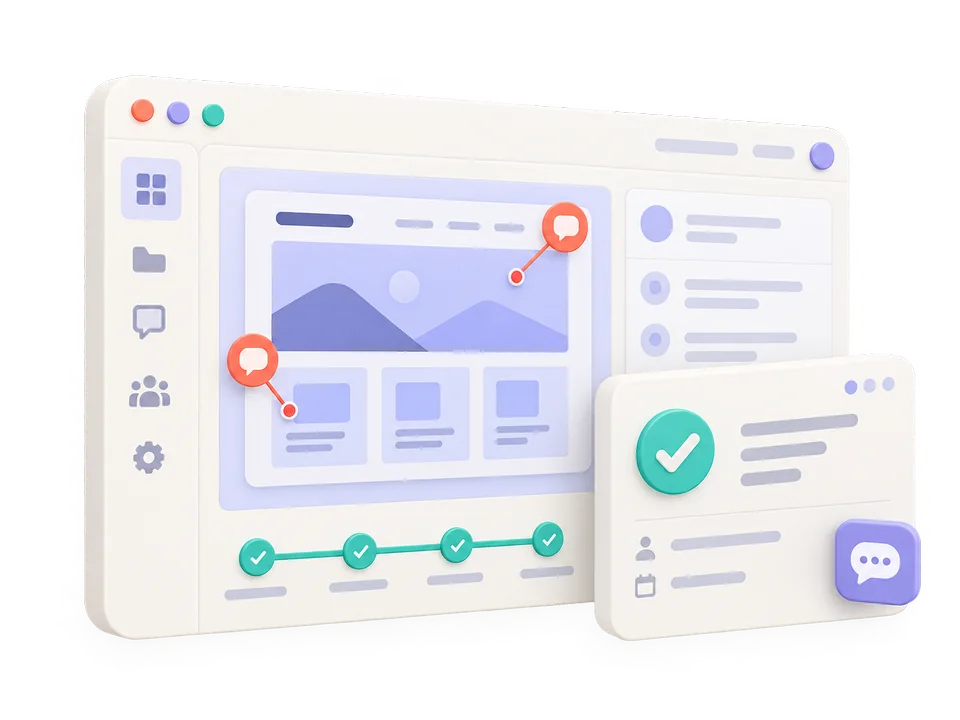
When tasks get lost across files and messages, custom software can help. We bring records, tasks, and reports together so you can see who is responsible for each task and how far it has progressed.
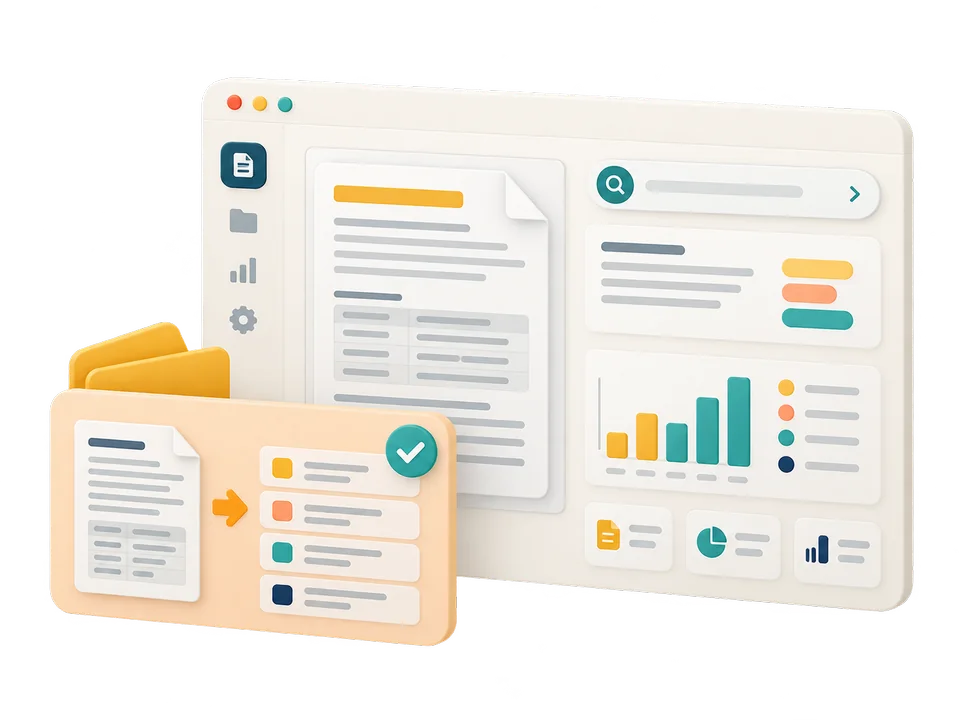
Answering recurring questions, reading documents, or reviewing large amounts of information: we first assess where AI can help your business, then build a solution whose results you can see in practice.
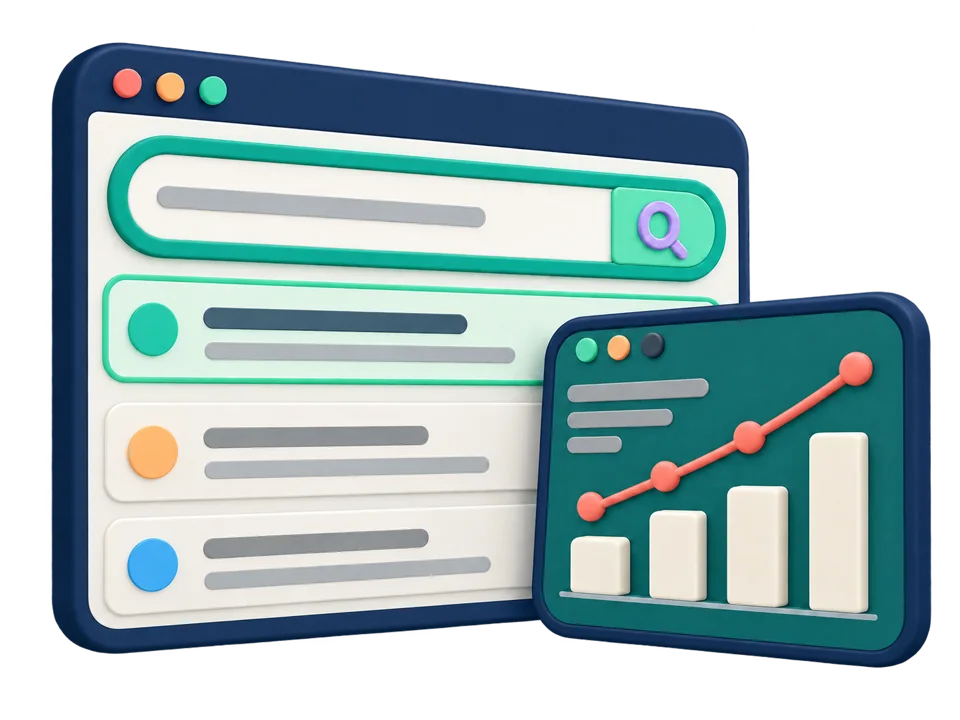
We identify what's holding your website back, from technical issues to content that doesn't answer your customers' questions. Then we prioritize improvements and report on what has changed, without promising guaranteed rankings.
You don't need the solution from day one. We just need to define the problem clearly.
Tell us about the day-to-day experience of running your business. Which tasks take too long? Where do customers run into trouble? What would you like to improve? We start with these questions and explain the possibilities in plain language.
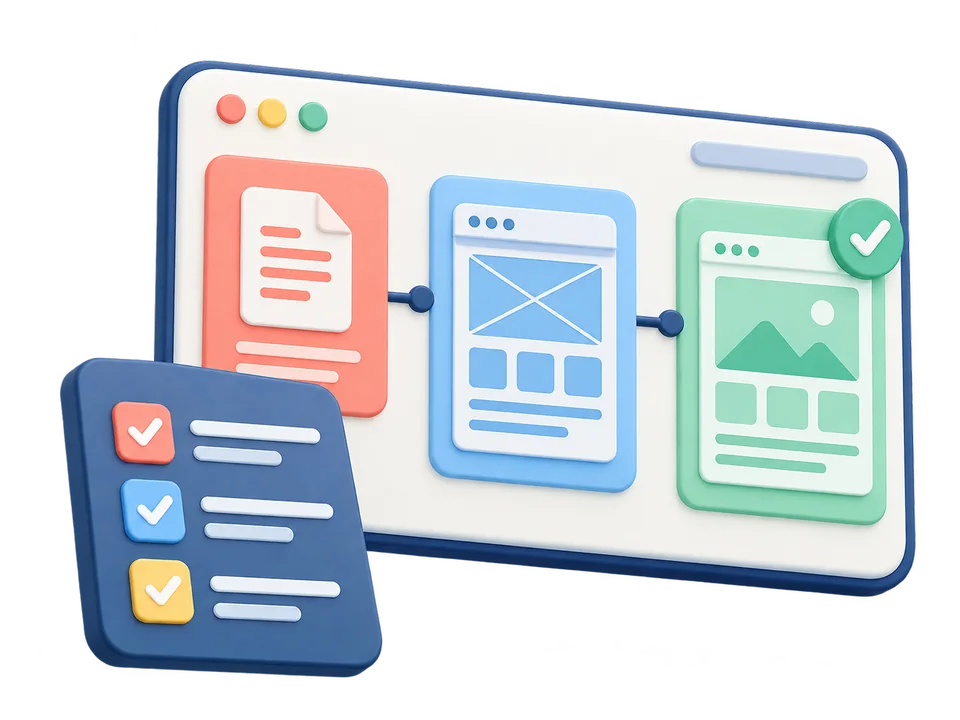
You won't have to wait until the end to see the results. At each stage, we review what's ready and ask for your feedback. If a change affects the timeline or cost, we discuss it before moving ahead.
On iPhone or iPad, open your browser’s Share menu, choose Add to Home Screen, then confirm Add.In Safari on Mac, choose File → Add to Dock. In Chrome or Edge, use the install icon in the address bar or the install option in the browser menu.In your browser’s menu, choose Install app or Add to Home Screen. If neither option is available, open the site in an up-to-date version of Chrome or Edge.Once installed, IranCoders opens to your dashboard. Use the eye icon to open the main website in a new tab.Your account and dashboard require an internet connection. Your private information is not stored for offline use.